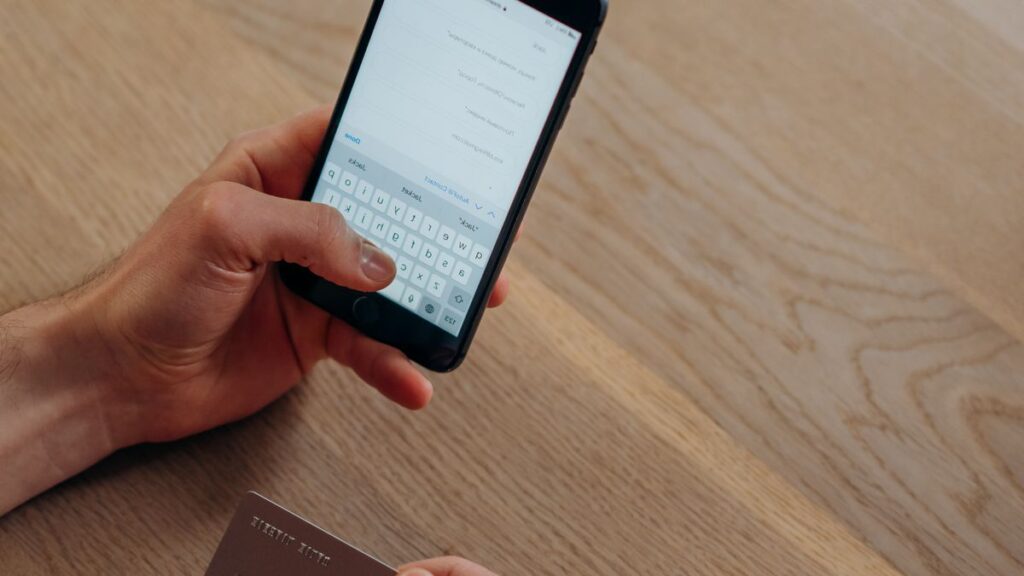
Loan apps promise cash from your phone in minutes. Some are genuine products from registered lenders. Others collect your data or charge unlawful fees.
A few minutes of checks before you install helps you tell them apart.
How do loan apps work?
You install the app, enter your details, and the lender assesses you. If you are approved, it pays into your bank account. You repay through debit orders or manual payments.

The lender behind the app must follow the same rules as any credit provider. An app is just a different front door.
What are the 6 checks before you install a loan app?
- The lender’s registration. Find the NCR number in the app or on its website, and check it on the NCR register.
- The developer. The app store listing should name a real company. Be wary of unfamiliar developers with no website.
- The permissions. See what the app asks to access before you tap allow.
- The privacy policy. It should say what is collected and why.
- The quote. The app must show the total repayment in rand before you accept.
- The reviews, with caution. They can be faked, but a pattern of complaints about harassment or hidden fees matters.
Which permissions are red flags?
| Permission | Why it matters |
|---|---|
| Contacts | Some apps use them to pressure you through friends and family |
| Photos and files | Not needed to assess a loan |
| SMS and messages | Can expose banking codes |
| Location, always on | Rarely needed |
| Microphone and camera | Only for specific verification steps |
A lender needs your ID, your income details and your bank statements, not your whole phone. Under the Protection of Personal Information Act, it may collect only what it needs.

You can review and remove permissions at any time in your phone’s settings, under the app’s own page.
What should a loan app show you?
- The amount you receive and the total repayment in rand.
- Interest, fees and each repayment date.
- A written quote before you accept. See the guide to the pre-agreement quote.
- A way to contact the lender, such as a phone number and an address.
What are the common risks of loan apps?
- Fees demanded before payout.
- Hidden or unclear charges.
- Debit orders you did not understand. See debit orders explained.
- Data misuse or theft.
- Clone apps that copy a real lender’s name and logo.
If an app threatens to contact your friends or share your information when you miss a payment, that is harassment. Report it to the NCR and to the Information Regulator.
Read online loan scams for more warning signs.
What if something goes wrong?
- Stop using the app and revoke its permissions.
- Change your banking and email passwords.
- Tell your bank if you shared banking details.
- Report data misuse to the Information Regulator.
- Dispute unlawful charges with the Credit Ombud.
Are loan apps better than websites?
Not necessarily. Many reputable lenders offer both, so choose on the lender, not the format. For how a safe application works from start to payout, read how online payday loans work.
What does a five-minute check of a loan app look like?
You do not need technical skills. Before you install, do this on your phone:
- Open the app store page and read the developer name. Search it online to see if it matches a registered lender.
- Look for the lender’s NCR registration number on the page or its website, and check it on the NCR register.
- Read the privacy policy link. If there is none, stop.
- After you install, note which permissions the app asks for before you tap “allow”.
- Close the app and go through the first screens without entering your ID. You should see the lender’s name and terms.
If any step fails, uninstall. A genuine lender will not mind the extra checking, and a risky one is easy to spot when you do it.
How can you tell a real lender’s app from a clone?
Clone apps copy a real lender’s name and logo. To check:
- Start from the lender’s own website, and follow its link to the app store, not a link from a message.
- Compare the developer name on the store page with the company on the website.
- Look at the registration number inside the app and match it to the company name on the register.
- Be careful if an app appears after you clicked an advert on social media.
A message that says “download our app to get your loan” from a number you do not know is never a good start. See WhatsApp loan scams.
What does it cost if you use several loan apps?
Because the fixed fees dominate small loans, splitting a borrowing need across apps is expensive. Here is a hypothetical example at the legal maximums for a first one-month loan.
| Plan | Total cost for R1,500 |
|---|---|
| One loan of R1,500 | about R391 |
| Three loans of R500 | about R852 |
Three apps cost about R461 more, because each one charges its own initiation and service fee. Using several apps also means three repayments, three due dates and three chances to miss one. See multiple loans.
What are your data rights with a loan app?
Under the Protection of Personal Information Act, a lender may collect only what it needs for a stated purpose. You can ask what it holds, ask for corrections, and complain if it misuses your information. Useful steps:
- Ask the lender in writing what it holds and why.
- Refuse permissions that are not needed for the loan.
- If it misuses your data, complain to the Information Regulator.
What should you do if an app or a collector harasses you?
Threats, calls to your employer or messages sent to your contacts are not part of a lawful collection. Keep screenshots and call logs, tell the lender in writing to stop, and report it to the NCR and the Information Regulator.
Our guide to debt collectors explains what a collector may and may not do.
What should you do before you delete a loan app?
Deleting an app does not cancel a loan. If you owe money, keep paying through the debit order or the lender’s other channels, and keep your agreement and proof of payment.
Ask the lender for a statement before you remove the app, so you do not lose access to your account details.
If you want to stop using the app after the loan is settled, ask for a paid-up letter and then uninstall it and revoke its permissions in your phone settings.
Frequently asked questions
Are all loan apps legal?
Only if the lender is registered and follows the National Credit Act.
Can a loan app read my contacts?
Only if you grant permission. Refuse permissions you do not understand.
What if I installed a risky app?
Uninstall it, change your passwords and report it.
Where can I report misuse of my data?
The Information Regulator, which deals with personal information complaints.
Do loan apps report to credit bureaus?
Many registered lenders do. Ask before you accept, because missed payments can then appear on your record.
Can I delete my data from a loan app?
You can ask the lender what it holds and whether it can be deleted. Some data must be kept for legal reasons.
One free 5-minute form is sent to NCR-registered lenders. Each lender decides for itself and shows you the full cost before you sign.
Start my free application